Helping sales reps find the right people, and add them to their CRM with ease
Insideview’s CRM integration

My role
Design Lead & Research
End-to-end, Research, wireframes, UI, specs

Platforms
Microsoft Dynamics CRM
Mobile web & desktop

Collaboration
Cross-functional
Leadership, Project Managers, Developers

Timeline
6 months
Research, design, iteration & launch
AT A GLANCE
From a read only list to a working CRM tool
The problem
Account Executives could see only a name and title for each prospect. They couldn't filter, couldn't tell who was already in their CRM, and had to add people one at a time.
My contribution
I interviewed customers, mapped their day, ran whiteboarding with the PM, tested designs with users, and handed developers the specs.
The result
Users praised how easy it was to find contacts and how clearly the feature showed who was already in the CRM, with a simple way to add everyone else.
CONTEXT
The previous solution. Read only, with name and title the only data on a prospect.
THE CHALLENGE
Make finding the right contact feel effortless
The goal
Give users a more useful, more intuitive way to find relevant contacts at prospective companies and add them to their CRM.
Who it's for
Account Executives who use Find Contacts to locate existing connections, or decision makers they can build relationships with to close a deal.
RESEARCH
What we heard in research
“
The plugin is read only with little to no information about the prospects, only the name and title are available.”
“
It would be nice if the application created records for me in my CRM.”
“
I would like to add multiple contacts to my CRM at the same time.”
“
I can not apply multiple filters to a list at the same time.”
I interviewed customers about what worked in the current solution and what would improve their daily tasks.
“
I don't know which contacts already exist in my CRM.”
“
I can't easily find specific people or filter contacts.”
UNDERSTANDING AND DEFINING WHAT TO SOLVE
Six things the design had to get right
Interviews and a journey map produced four user scenarios. The company added two business goals on behaviors it wanted to drive.
Competitive analysis
After understanding customers’ needs, I explored how other companies approached similar problems.
Whiteboarding sessions
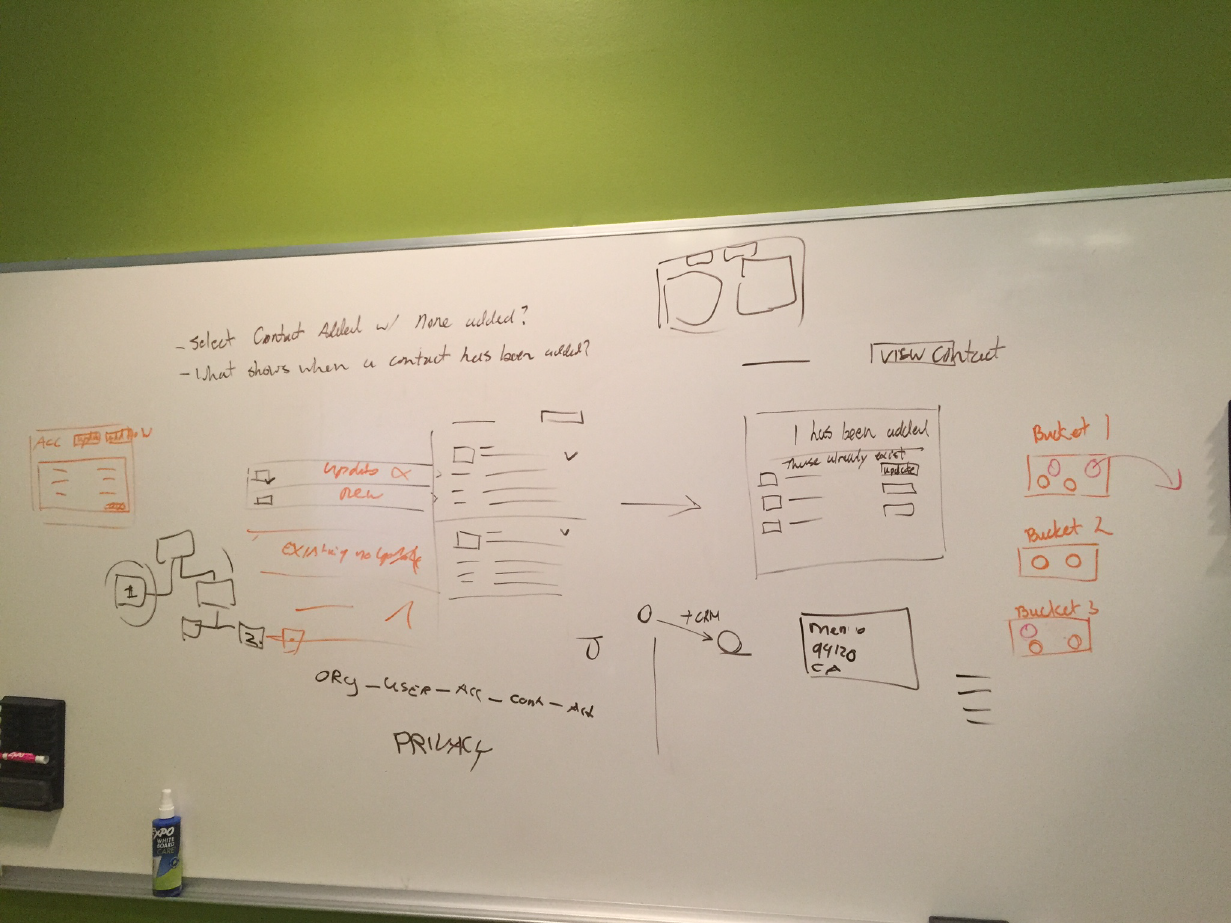
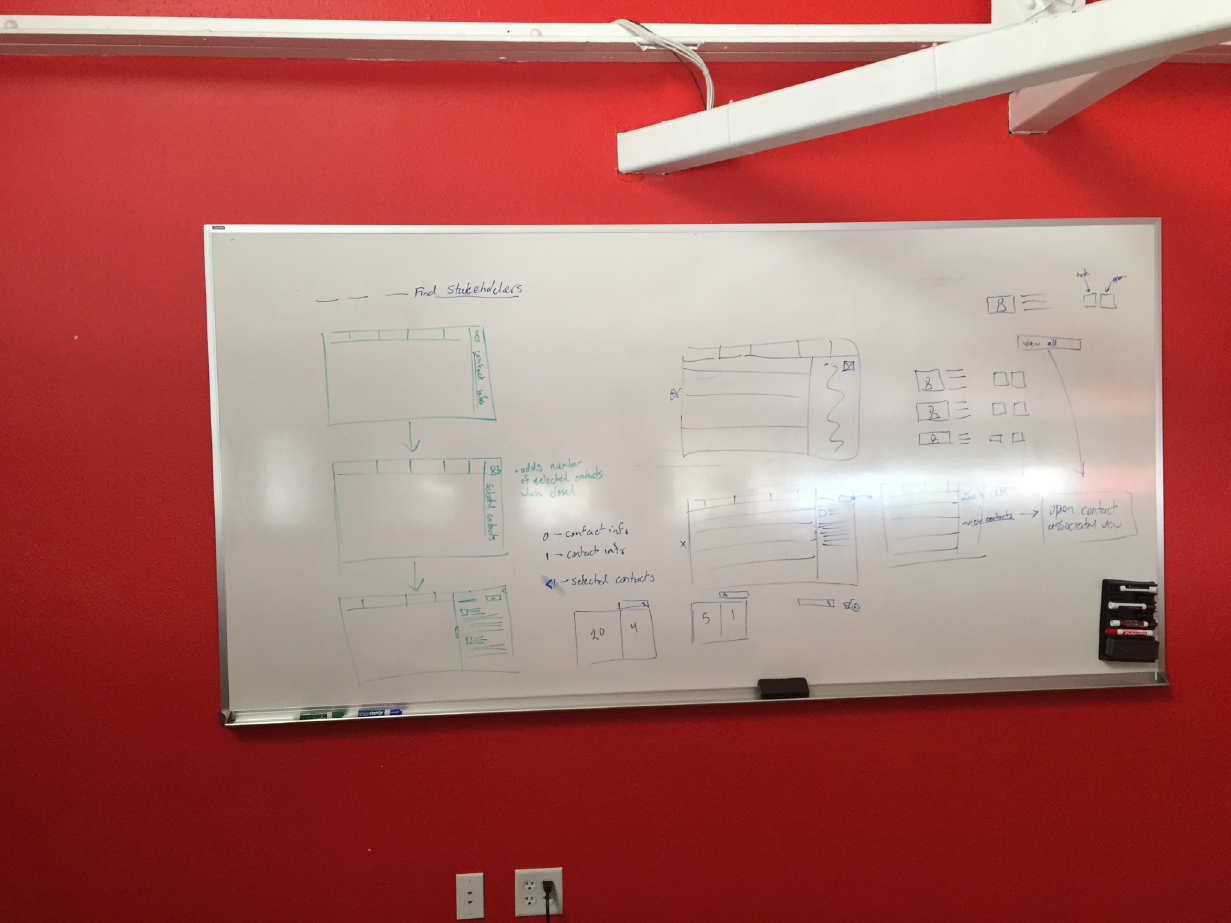
I facilitated whiteboarding sessions with the PM and turned the early concepts into wireframes and first round mockups. Then I tested them with potential users. In the annotated results, blue marks low priority changes and orange marks more important ones.
Key decisions
Decision 01
Feel native. Borrow from Dynamics.
Find Contacts had to behave and feel like part of the Microsoft Dynamics ecosystem. I studied its components and interactions to see which we could reuse, starting with the two that mattered most. Filtering, which I wanted to feel natural and easy to find. And side panes, which Dynamics used to hold more data than a table can show, which is what users were asking for.
Decision 02
More context, without leaving the list
A side pane offered space for richer contact information than a table could comfortably hold, drawing on an existing Dynamics pattern.
Select one contact or several, review them in the side pane, add one or multiple as a contact or a lead, and get a clear confirmation. Contacts already in the CRM are marked in the grid.
Decision 03
Show what's in the CRM.
Make adding effortless.
The refined experience made it easier to see when a contact already existed in the CRM and to add contacts when they did not.
FROM DESIGN TO CODE
Specs developers could build from
I translated the mockups into assets and functional specifications so developers could recreate the designs in code.
THE IMPACT
What happened after launch
Easy to find contacts
The feature was met with praise for its ease of use in finding contacts.
Connections adoption
Users who added their connections found them useful and the data showed their expanded networks, and company saw an increase in contact uploads.
Clear CRM status
Users apprechiated the integrated way of knowing when a contact already existed in the CRM, and how easy it was to add the ones that didn't.
Shared customer understanding
Internal teams gained a real understanding of the customer, and conversations and questions.
← PREVIOUS